Enabling a new way for designers to capture creative moments on the go using Figma comments.
Details
Role: Product Designer
Timeline: 1-week sprint for a design comp
Skills: Visual Design, Interaction design Prototyping
Team: Rachel Chen, Emmi Wu, Christina Raganit
Overview
The NYC design competition is an SVSD event where the cohort is split into teams and, in less than a week, expected to present a case study to a panel of cracked designers from the largest tech companies and startups. This year we had guests from companies like Notion, Apple, Meta, Google, Linkedin, Reddit, and more. Our prompt for this year: how can we allow people to express snackable bits of creativity during idle moments?
My super cool team and I created an extension to Figma comments that combines annotation with voice notes, allowing designers to capture their ideas holistically.
Tl;dr
Problem
Designers who care about their craft are constantly thinking about their projects. However… today’s design tools aren't built for these moments.
Whether waiting in line, commuting, or between meetings, there are countless micro-moments in a day when inspiration strikes or a small task could move a project forward.
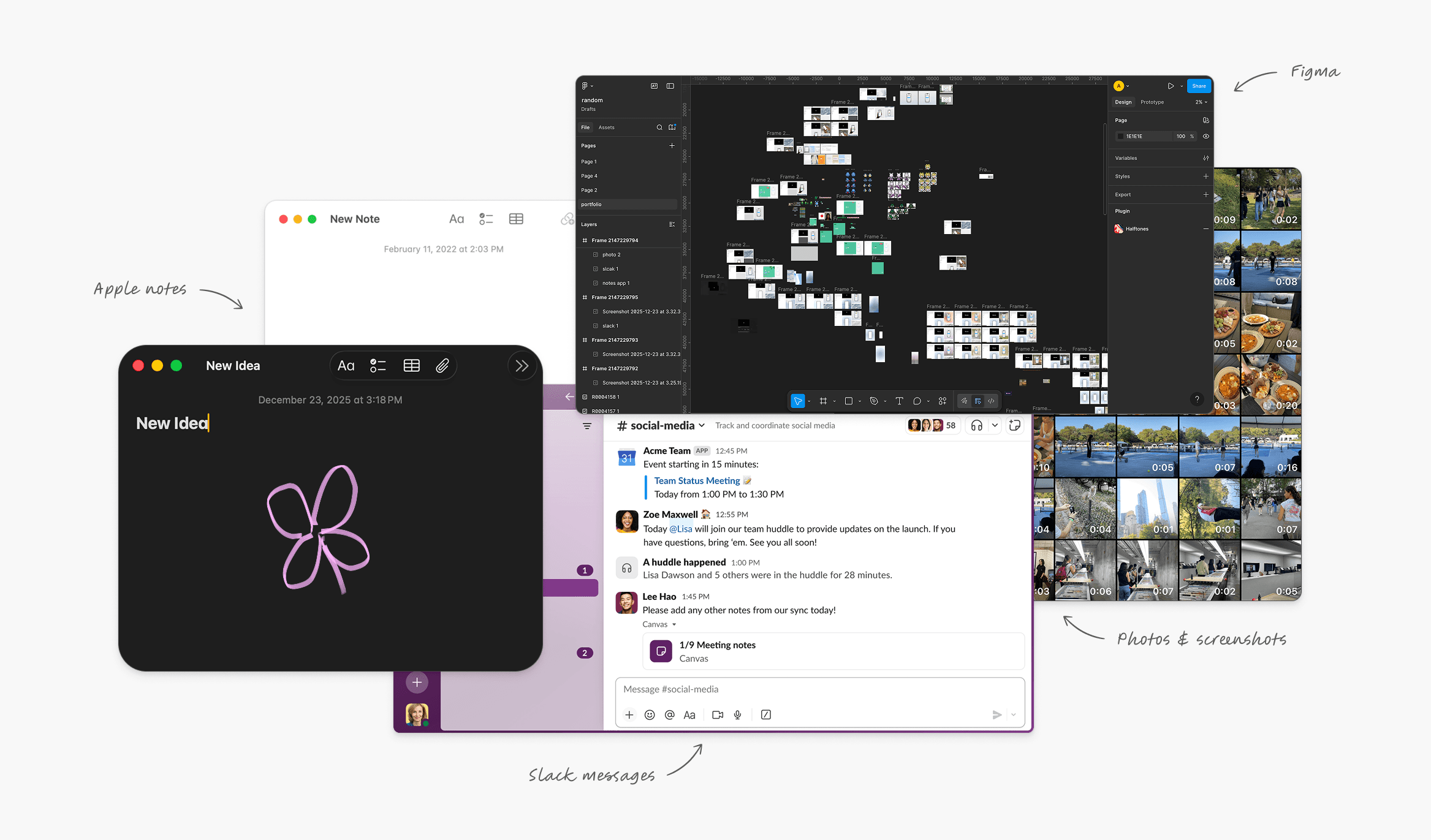
But, ideas get scattered across notes apps, Slack messages, screenshots, or just stay in our heads because capturing or iterating on them requires sitting down at a computer.
Solution
Centralize and maintain the richness of your ideas with Live Comments on Figma .
Live comments allow designers to sketch an idea (via mobile) onto your Figma file and pair it with a voice note that lives as a comment. The goal is to enable micro-creation through small, high-impact actions that fit into short bursts of time without sacrificing context or quality.
Core Experience
Creating a Live Comment.
In instances when you are away from your desk, capturing ideas and feedback starts on mobile. This serves as an asynchronous way to document and share insights with your team without losing momentum or context.
Revisit and replay Live Comments on your computer.
When you are back at your desk, review your live comments or your colleagues', replay them for full context, or jump directly a section that's most relevant to you.
Process
Ideation
Since the prompt centered on creativity, we anchored our approach in Figma.
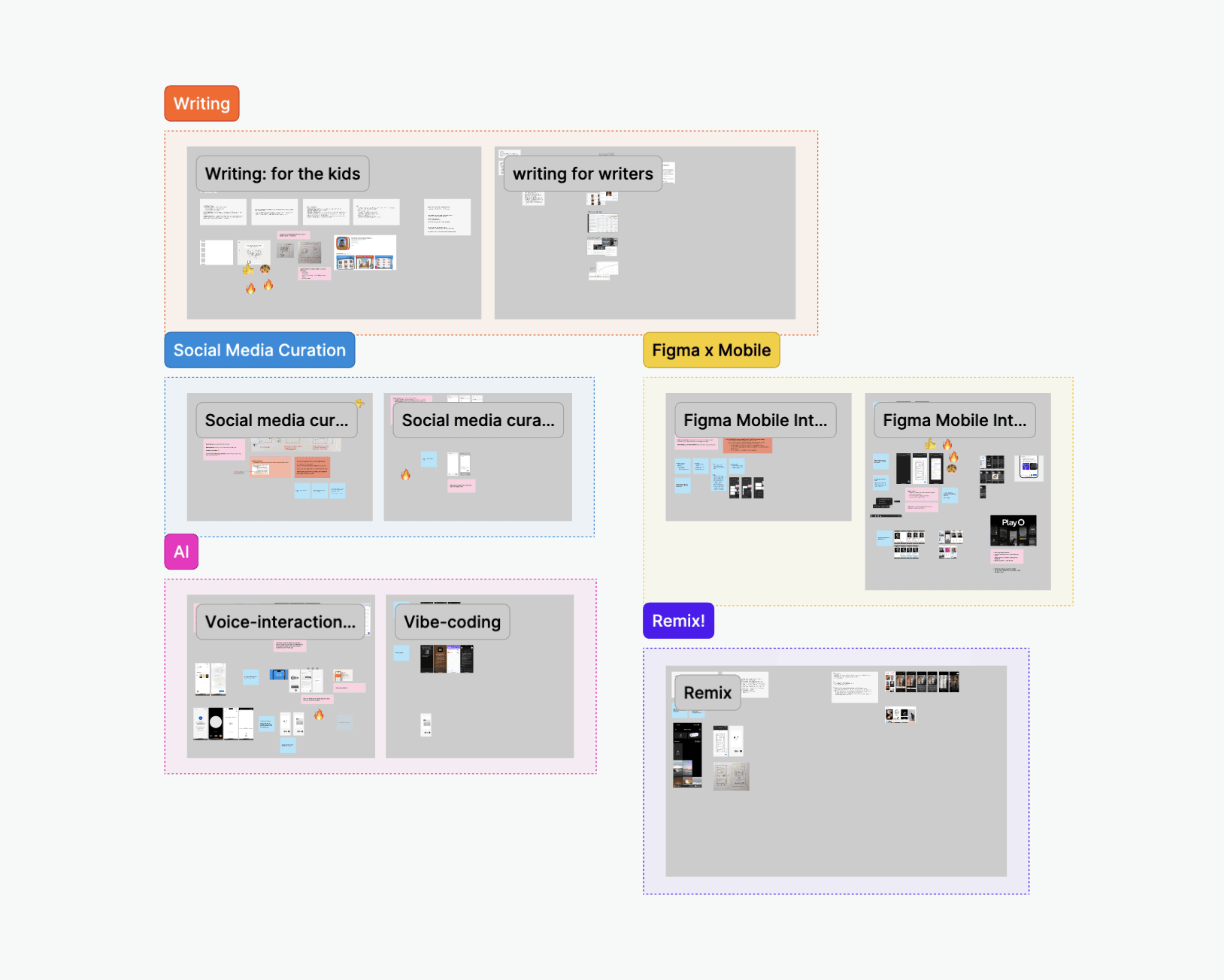
We spent 2 days brainstorming different directions that we could take the prompt, ultimately landing on idea capture within Figma.
Insights
We asked ourselves: what makes a good idea?
->
Ideas should be grounded to context. When context disappears, ideas lose their clarity and emotional weight.
->
Ideas should be captured in full. Current tools force us to flatten complex thoughts into shallow shorthand.
->
Ideas should be built to build on. Ideas without depth are difficult to revisit or expand.
Decision 01
What types of ideas do designers want to capture?
We knew that we weren’t going to bring the full functionality of Figma into mobile, so we had to be selective about what use cases make sense. We began by exploring a spectrum of ideas that designers would typically want to capture.
Inspiration gathering.
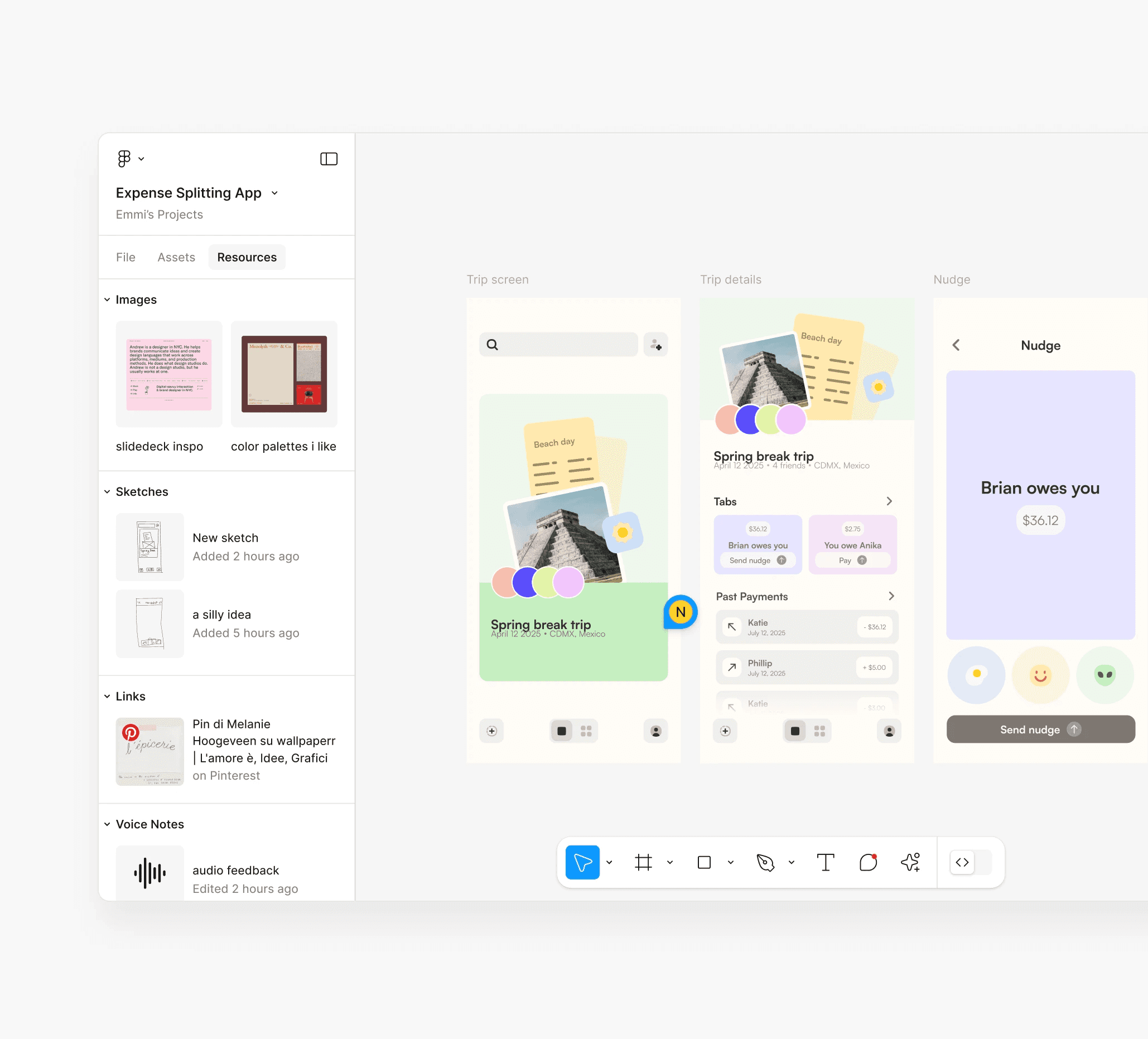
Gather inspiration in forms like voice recordings, sketches, links, and images directly into your Figma file, and have them accessible for you to view and reference from on desktop.
An AI copilot for iterating.
Another mechanism we thought about was around an AI copilot that takes in text prompts and generates ideas, edits, and iterations on your existing designs.
Visual annotations paired with voice notes.
We landed on combining annotations with voice notes, as we found that this pairing of was really powerful for quickly capturing high-fidelity ideas that are easy to understand and reference later.
Moreover, we believed it was the most meaningful way to move forward in a project and be most valuable in a work context compared to the previous explorations.
Decision 02
How do we make it easy to navigate when adding Live Comments?
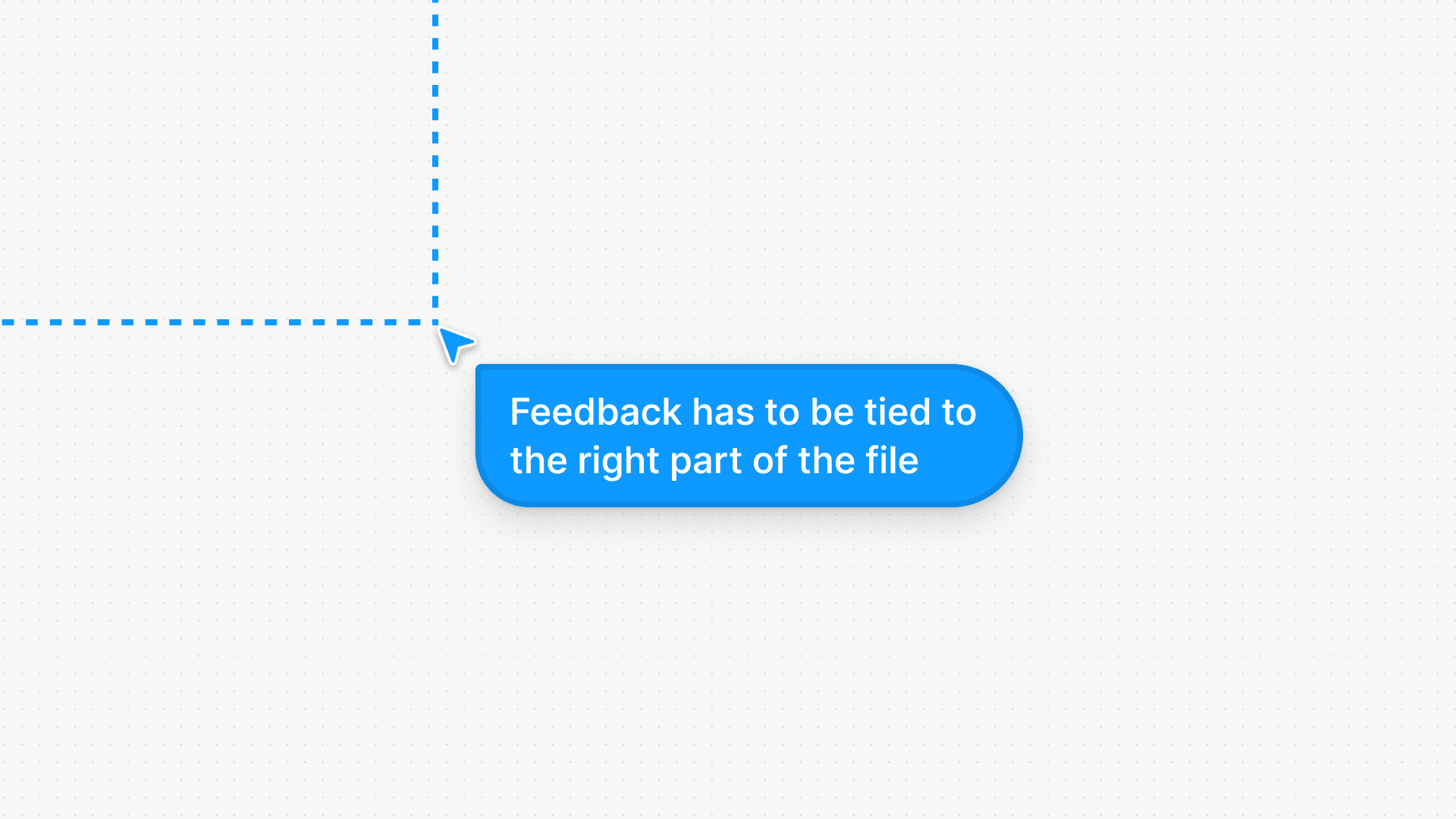
For feedback to be clear and understandable, it has to be tied to the right part of the file. However, on mobile, the canvas is not the easiest to navigate, making the actual navigation of the file a big barrier to capturing ideas and feedback.
Exploring four forms of interaction.
Figma Feed uses AI to group related sections/frames together, allowing you to vertically scroll to view them (similar to reels/a feed).
With a Mini Map, users can click or drag on a scaled overview of the entire canvas to pan to distant areas without manually scrolling.
Lasso Checkpoints allow you to select areas to go through in sequence, give you the flexibility to navigate design files, group content, and set their order.
We decided to go with a Snap to Frame interaction, where you'd double tap a frame to lock in on the view and quickly focus in on it to annotate.
Decision 03
How do we make it easy to understand and respond to Live Comments?
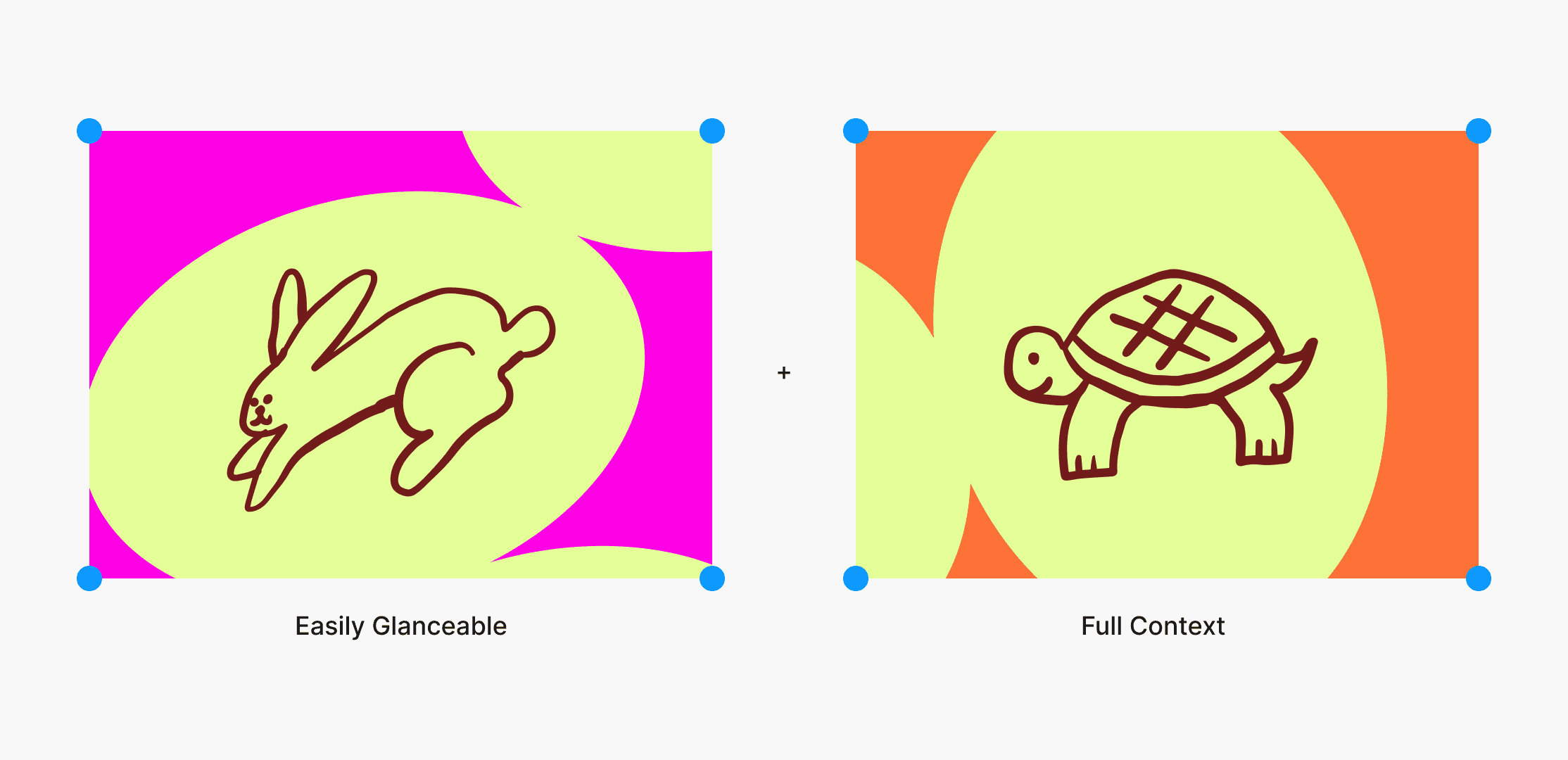
We want Live Comments to be easily glanceable while making sure you can understand the full context of one… and just thinking about the context of use of Live Comments — it can be really long and messy.
Segmenting notes as multiple different comments.
At first we thought of segmenting a Live Comment into different chunks, so that each section was mapped to its own annotation in the canvas. However, we realized that this could actually impede collaboration, as it'd be difficult to discern which Live Comments are grouped with each other.
Instead, placing segmentation within a Live Comment.
This approach is more consistent with the current experience of commenting. The tradeoff is that we can’t respond to smaller snippets of ideas within a longer recording,
Ending Notes
Outcome
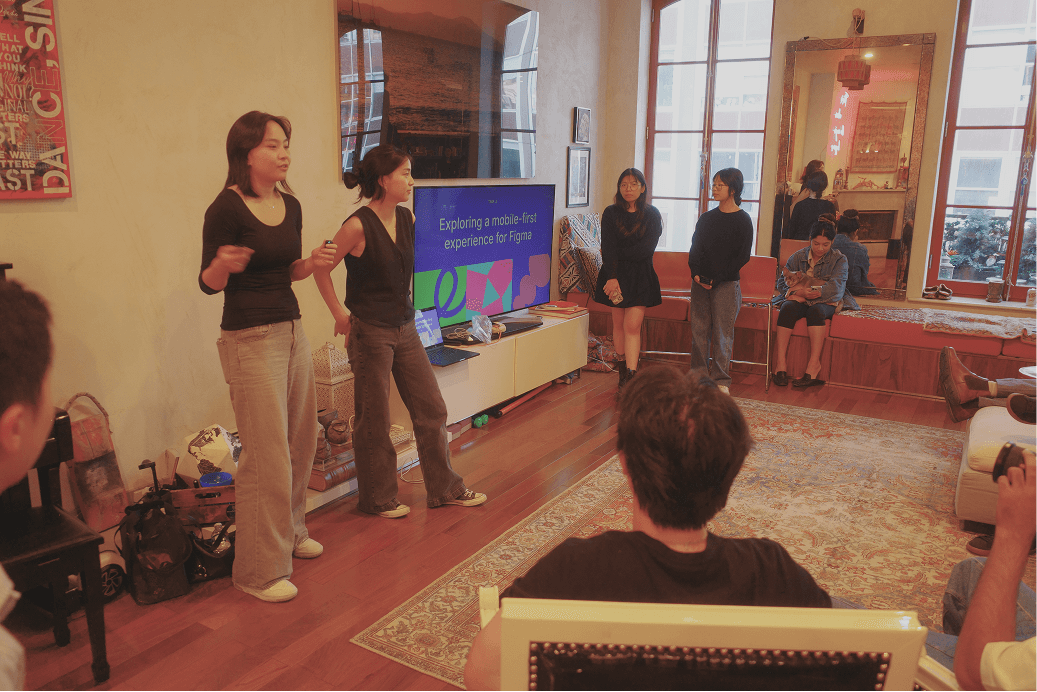
We presented a winning concept to some of the biggest names in design.
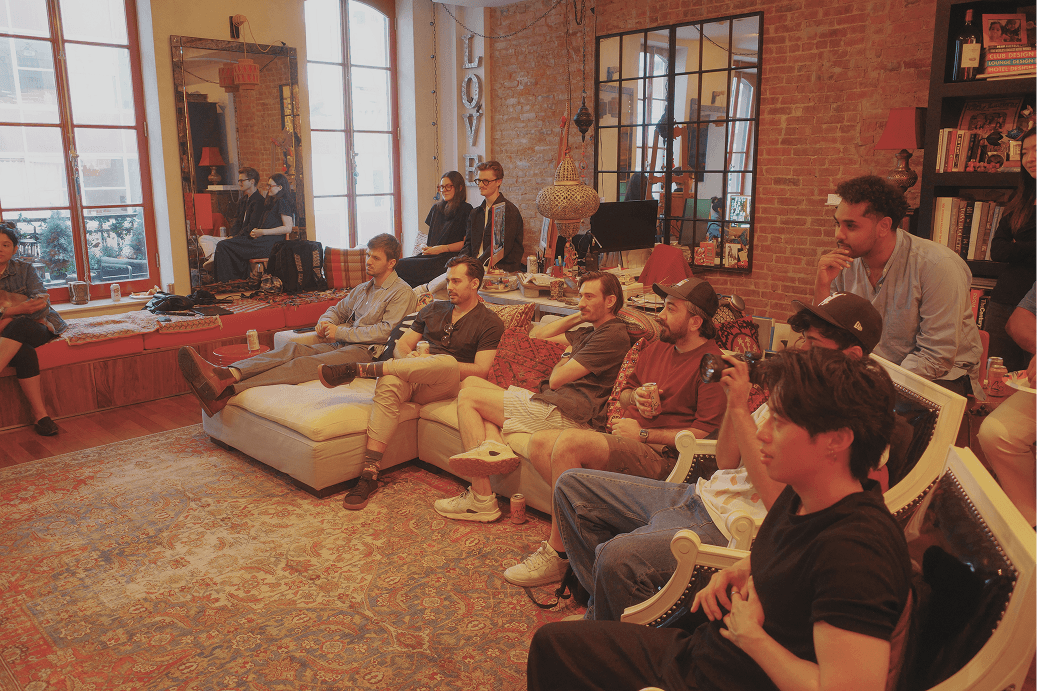
After zero hours of sleep and some unexpected, unfortunate effects from the coffee we drank (haha...), we presented our project to a group of talented designers in New York!
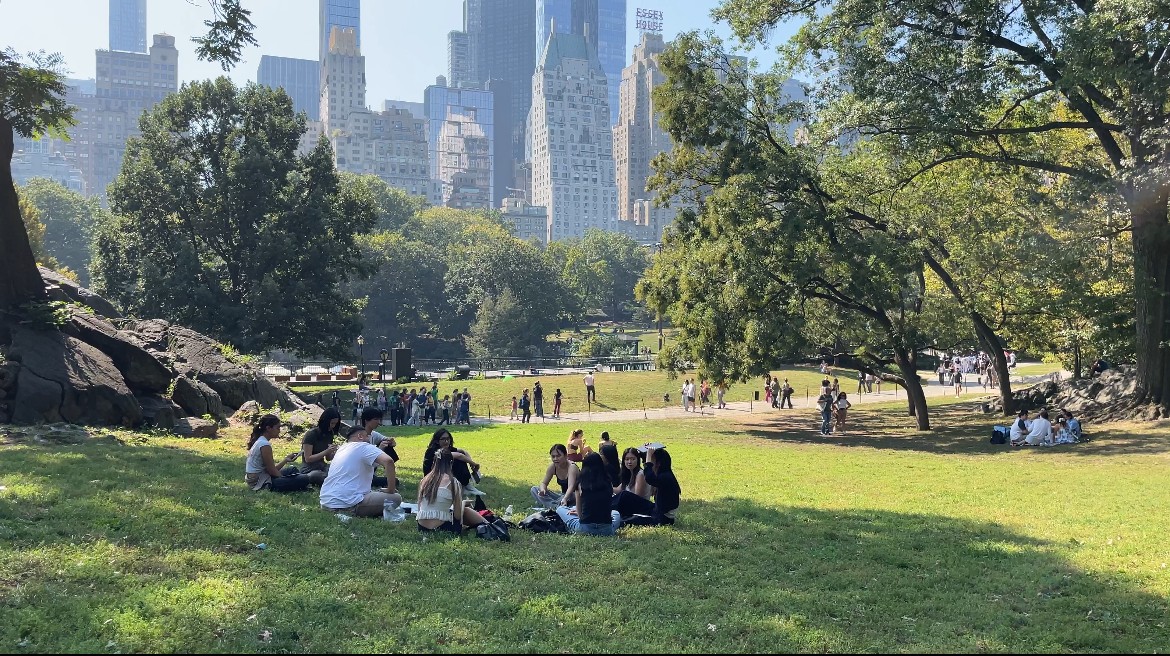
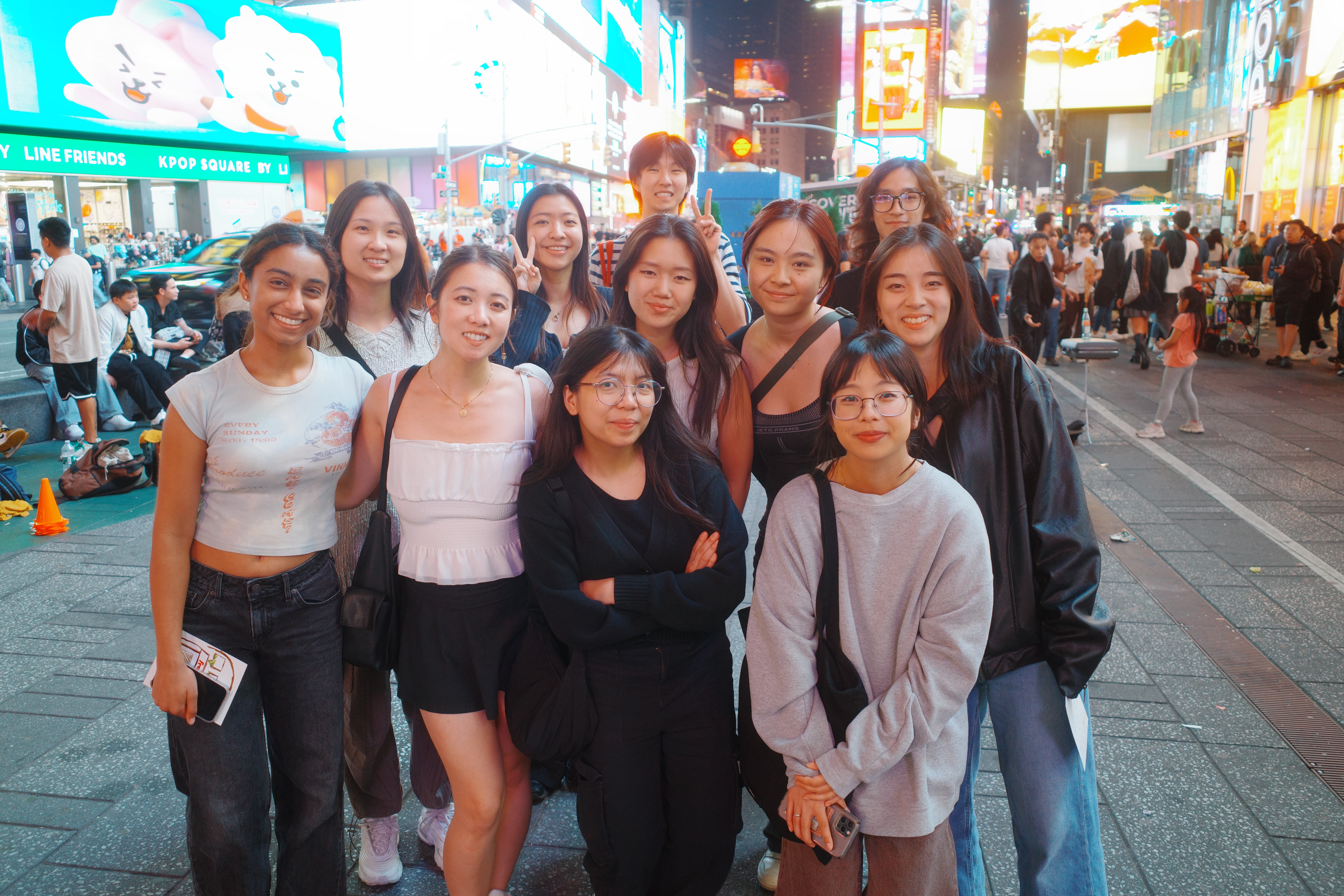
Definitely an unforgettable weekend spent alongside the coolest people ever :D.
Thanks for being here.